Google Pay™
Pay the simple and secure way with ME. Want it? Google it.{sub-heading}
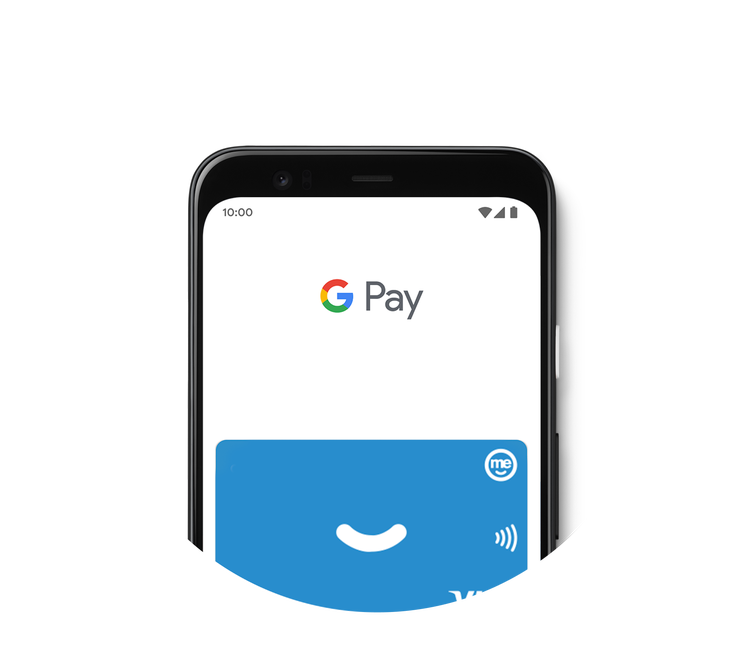
Why use Google Pay?

Speedy.
It only takes a few minutes to set up and all you'll need is your eligible Android™ phone or Google Wear OS wearable (and your ME card).

Simple.
Google Pay works anywhere contactless payments are accepted. Just unlock your phone and hold it near the terminal. You don’t even need to open the app.

Secure.
Google Pay protects your payment information with multiple layers of security, using one of the world’s most advanced infrastructures to help keep your information safe.
Where can you Google Pay?
Use Google Pay wherever you see one of these symbols:

In store.
Google Pay is accepted at millions of retailers around the world. You can pay contactless anywhere you see either of these symbols at checkout.

In apps and on the web.
You can pay with Google Pay in hundreds of your favourite apps and sites. Just look for the Buy with Google Pay button. You can see the apps and sites that accept Google Pay here.
To get started, you’ll need:
Compatible devices – any Android smartphones and tablets running Android Lollipop 5.0 or above with Near Field Communication (NFC) technology.
Eligible products – any ME product that has a debit or credit card. You can add as many of you ME cards as you like. If you don’t have an eligible product yet, you can apply for a SpendME Transaction Account.
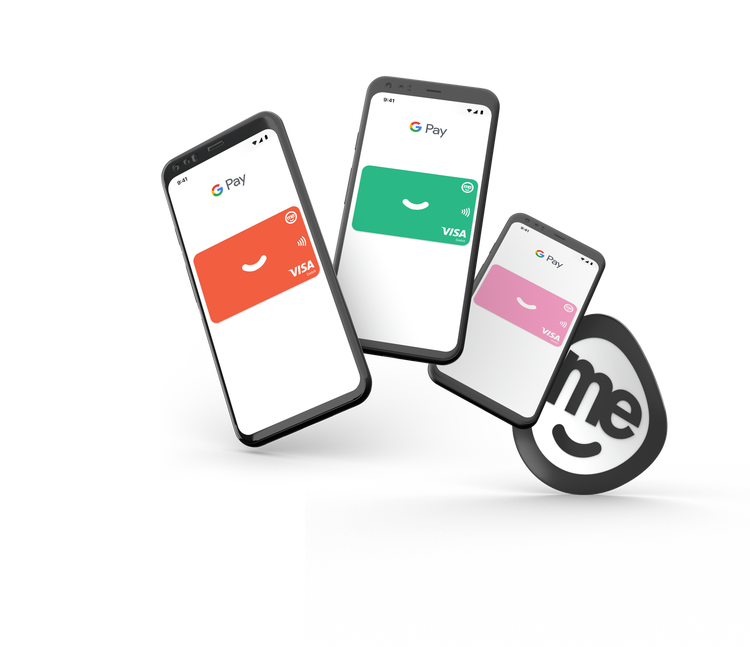
Set up Google Pay.

ME Bank app accounts.
1. Download the Google Pay app from Google Play or the App Store.
2. Follow the instructions to add your card or another payment method.
3. Verify your card if needed. Then you’re good to Google.

ME Go app accounts.
1. Open the ME Go app.
2. Tap the profile screen from the bottom navigation menu.
3. Manage cards and select the card you want to add to your Digital Wallet.
4. Select add to Google Pay.
Is Google Pay secure?
When making payments using Google Pay, your ME card number is not stored on your device or shared with merchants. Merchants will only see your Virtual Account Number, which is an alternative to your card number. It’s a way of protecting your card details so they aren’t exposed to anyone other than you.

Help & support
When setting up Google Pay, how do I make my ME card the default card in my digital wallet?
In store:
The first card you add to the Google Pay app will automatically become your default card that is used to pay. To change your default card for Google Pay, simply open the Google Pay app, tap and drag the card you wish to be default to the “Default Card” spot at the top of the app’s home screen.
In apps:
When making a purchase in-app, the default card for Google Pay will be presented to make an in-app payment. If you are making a repeat in-app purchase, it will automatically select the last card you used. You can easily choose another card that is registered in Google Pay to make a payment.
Why am I seeing a message to contact my bank when trying to upload my ME card into Google Pay?
Why is my transaction declining when I can see my card in Google Pay?
Some potential reasons for a decline using Google Pay are:
- The card is not active or has been blocked - you may need to call us to check on this.
- There are insufficient funds in the account - you can check the account balance in your mobile app or via internet banking.
- The merchant terminal does not accept contactless payments.
- For credit cards, your card may be blocked as it is more than three days after the repayment due date and the minimum repayment has not been received.
How will my personal information be shared with Google?
All transactions are kept safe by Google via secure servers.
When paying in shops, Google Pay doesn't share your actual card number with the merchant, so your personal information stays secure.
If I receive a re-issued card do I need to update my card information in Google Pay?
What happens when I close my account?
Can I continue using Google Pay if I’ve lost my card or it’s been stolen?
Yes. The card details will be kept on your phone.
However, if you have lost your card or suspect it’s been stolen, you’ll need to cancel it as soon as you can and ask for a replacement cardto be sent out. You can do this through internet banking or the mobile app.
Your new card details will be automatically updated in Google Pay and you can continue using the service. You’ll also receive a physical card in the mail. Be sure to update your PIN once you receive your card.
Generally, Google Pay does not ask for a PIN when making transactions however there are some merchant terminals that are set to request PINs for transactions over a certain value.
What happens if my phone is lost or stolen?
Android Device Managerwill help you find, lock, and erase your phone. Also, you can simply search “Find my phone” and Google will show you where it is on a map.
Contact ME on 13 15 63 to suspend or disable your card on your device.