All about ME Go.
Everything you need to know about the ME Go. {sub-heading}
ME Go features.
Check out the app features available on the ME Go app.

Bill tracker.
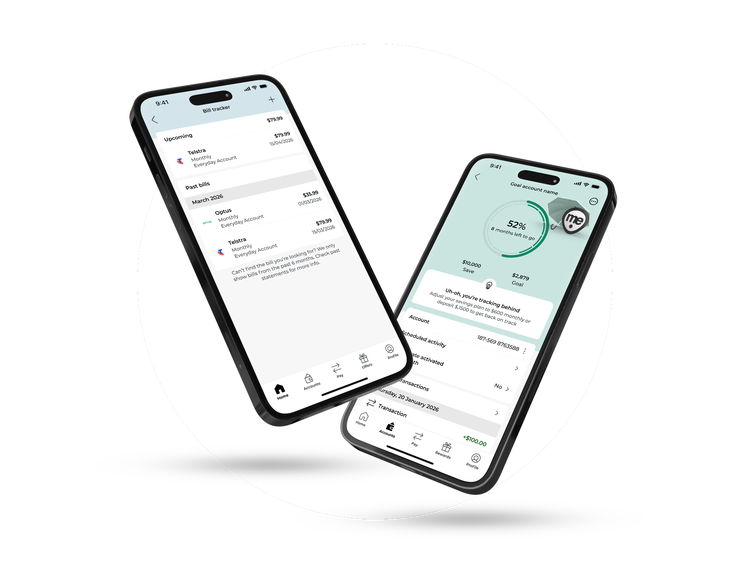
Bill Tracker gives you a heads up when bills are coming – which helps you budget for them.

Instant payments.
Thanks to Osko and PayID, money can be sent and received in real time.

Control where your money Go’es.
Set spending limits on categories like food or fashion (with real-time alerts).

Open multiple accounts.
Saving for Rome, renos and rainy days? Open up to nine SaveME savings accounts in the ME Go banking app.
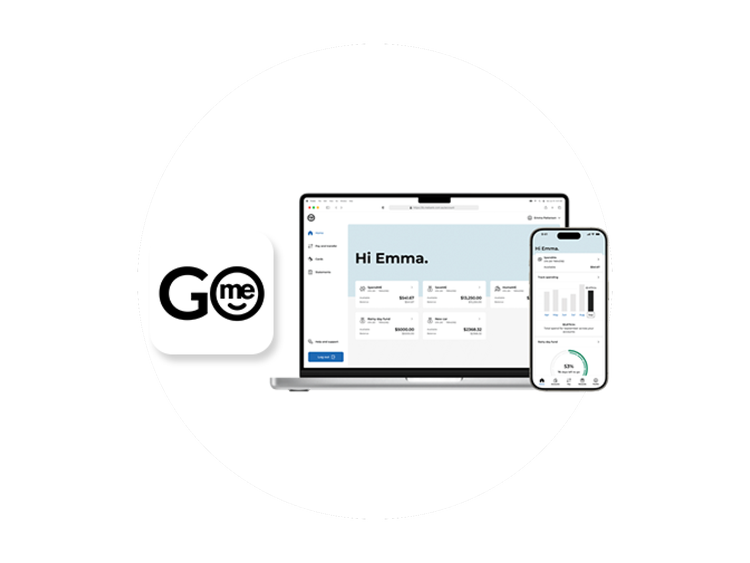
Other good things to Go.
- Check statements and transactions – You can find your statements and check your balance all in the ME Go banking app.
- Live chat – Meet ME in the app from Monday to Friday 8am - 8pm (AEST) Saturday 9am - 5pm (AEST).
- Savings goals - Add savings goals to your accounts and use insights to help you reach them.
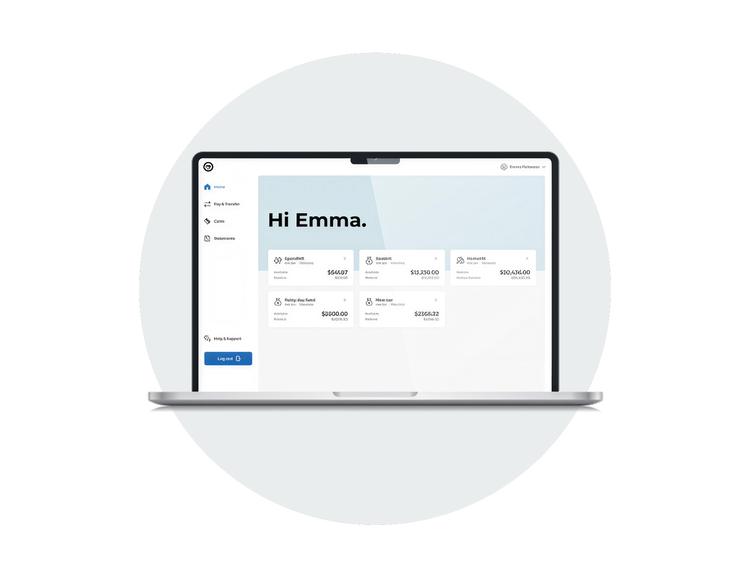
ME Go Internet Banking
The perfect companion to our ME Go app.
Need to take your banking to the big screen? ME Go Internet Banking allows you to manage your accounts seamlessly on desktops (as well as any enabled device). While most banking functions can be performed on ME Go Internet Banking, some tasks will still require the ME Go app.
Bank Accounts that help you
with your Go'als
Whether you want to save for a home, or save for anything else, or would just like more insights into how you spend (and how not to overspend), there’s an account for everyone in the ME Go Banking app.
Your money’s safe with ME.
Not only does our system constantly monitor your card to help prevent fraudulent behaviour, we’ve got loads of other security measures in place to help protect you:

Government guarantee.1
Your money is protected by the government guarantee, with up to $250,000 per person covered by the government’s Financial Claims Scheme.

Lock lost cards.
You can temporarily lock your card in the ME Go app if you think you may have misplaced it (or it’s in your pocket... again).

Savings made safe.
One-time pins and biometric logins mean your hard-earned savings are always protected by a swipe or a smile.
FAQs
How secure is mobile banking?
What is the difference between mobile banking and internet banking?
How can I add my card to the digital wallet?
For more information, head to our digital wallets page.
How do I download the ME Go mobile banking app?
What is a mobile banking app?
What features are available through the ME Go app?
There are a variety of features available on the ME Go banking app which make your everyday banking so much easier.
Depending on the type of account you have, you can:
- Round up payments directly into your savings account
- Track upcoming bills
- Set spending budget and savings goals
- Check your balance
- Transfer money within Australia
- Pay bills via BPAY
- Update your personal details
- Increase your daily limits
- Access statements
- Open and close accounts
Plus you can securely chat to us if you need assistance or have a general question right from the app.